

I want someone to take charge of IT
I need a team responsible for support, computers, servers and networks.
See how it worksWe manage your technology so you can manage your business.
IT Solutions
Skills IT provides IT management, support and projects. We can take on daily operations or share the work with your team, according to the responsibilities your business needs us to handle.

Which one is you?
Explore the two management arrangements below. If you have a specific need, we also deliver services and projects with their own defined scope.
I need a team responsible for support, computers, servers and networks.
See how it worksI want my technician or team to have specialist support and more time for the business.
See how it worksFor businesses looking to outsource
An employee cannot work, a sale stops or files become inaccessible. Your business needs someone to take responsibility for support and for the work between incidents.
You explain how the business works. We carry out inventory and an IT assessment together, without requiring a prepared technical spreadsheet. Once coverage is approved, we organize the transition and take on the support, equipment, networks, access and protection specified in the proposal.
Explore managed services
At the counter, reception or office, employees can ask for help through WhatsApp. We record the request, investigate and provide updates through the agreed workflow.
Skills IT manages recruitment, leave, Brazilian 13th-month pay, employment charges and replacements for its own staff. You follow the service without having to run your own technical department.
Tools help identify faults; our team checks alerts, backups and updates within agreed coverage. This work informs corrections and future improvements.
For companies with an IT team
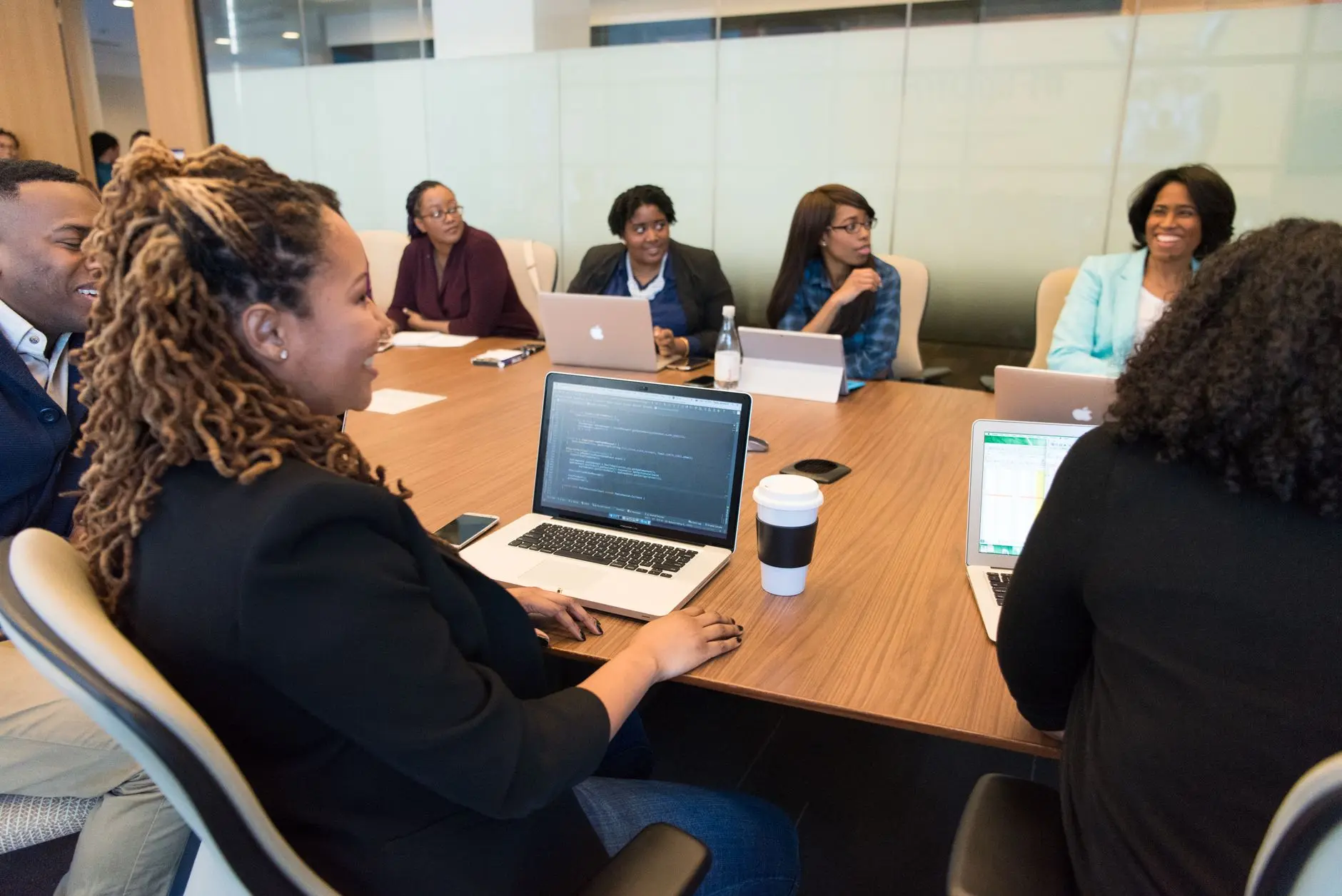
You know the systems, users and business priorities. Skills IT adds people and tools to investigate faults, maintain infrastructure and deliver changes alongside your team.
We agree who receives tickets, investigates, executes and approves. We align the workflow with existing tools, with records and progress available to those responsible. Your business retains decisions; Skills IT takes on the agreed work, remotely or on site within the coverage.
What we deliver
We configure contracted protection, follow alerts and apply authorized permissions. Changes are recorded for the team.
We analyze symptoms, logs and dependencies with your team to locate the fault and agree on action. Follow-up remains tracked.
We review rules, connectivity and segmentation. Configurations, approvals and change windows are agreed before execution.
Tools such as PRTG help track availability and performance. Our team reviews alerts and acts within contracted coverage and hours.
Remote monitoring and management (RMM) tools distribute routines and updates to covered devices. We agree policies and check execution.
We share daily tasks and technical support according to need. Skills IT organizes its staff and replacements to deliver the agreed service.
We identify resources, users and dependencies and assess conditions, risks and priorities with your team. Inventory tools are included; documentation follows changes.
We align intake, priority, ownership and escalation with the existing process. Any data exchange between systems requires assessment; automatic integration is not assumed.
We assess compatibility and need, agree the window and check covered services after the update.
Migrations, cabling and expansion have their own scope. Your team participates in assessment, approvals, testing and operational handover.
We administer contracted resources, follow agreed backups and tests, and document dependencies to guide recovery and changes.
Consulting compares needs, costs, risks and alternatives. We help explain recommendations to management; implementation needs a defined scope and resources.
For business leaders with in-house IT
Infrastructure supports daily operations. By sharing its support and management with Skills IT, your in-house team can use its knowledge to understand work in HR, finance and other departments. This requires priorities, ownership and follow-up.
A new employee arrives, but the computer request stayed in a conversation and no one defined access rights. HR and IT need to bring role, start date, equipment and approvals into a workflow everyone understands.
With infrastructure work shared, in-house IT can sit down with HR to organize that process. Skills IT prepares covered equipment and access after authorization and can help assess the improvement within agreed consulting hours.
The business can track pending requests, owners and resources made available. Configuring an integration or developing an onboarding system requires a separate scope and budget assessment.
A manager receives spreadsheets from several departments and the team repeats checks at every close. Before building a dashboard, they need to define the question the report answers, where data comes from and who validates it.
In-house IT can work with finance to organize sources, criteria and responsibilities. Skills IT consulting helps assess system access, integration options, costs and feasibility.
Follow-up can show unverified data, outstanding corrections and preparation effort. This guides the next decision; it does not mean unlimited BI, integration or development in the plan.
Agree what to track: recurring tickets, outstanding work, authorized changes, backup status and recommendations. Management decides priorities and investments with IT; Skills IT reports completed work and points that need a decision.
Related services
Assess investments, costs and integrations within the consulting hours in your proposal.
Availability, performance and alerts for covered resources, followed by our team.
Share support, troubleshooting and escalations with our team.
Industries we serve
Illustrative situations to help identify your needs. Coverage follows your environment and proposal, not your industry alone.
Industry by industry

When the network fails, production can suffer. We support factory IT in daily work, during staff leave and on expansion projects.
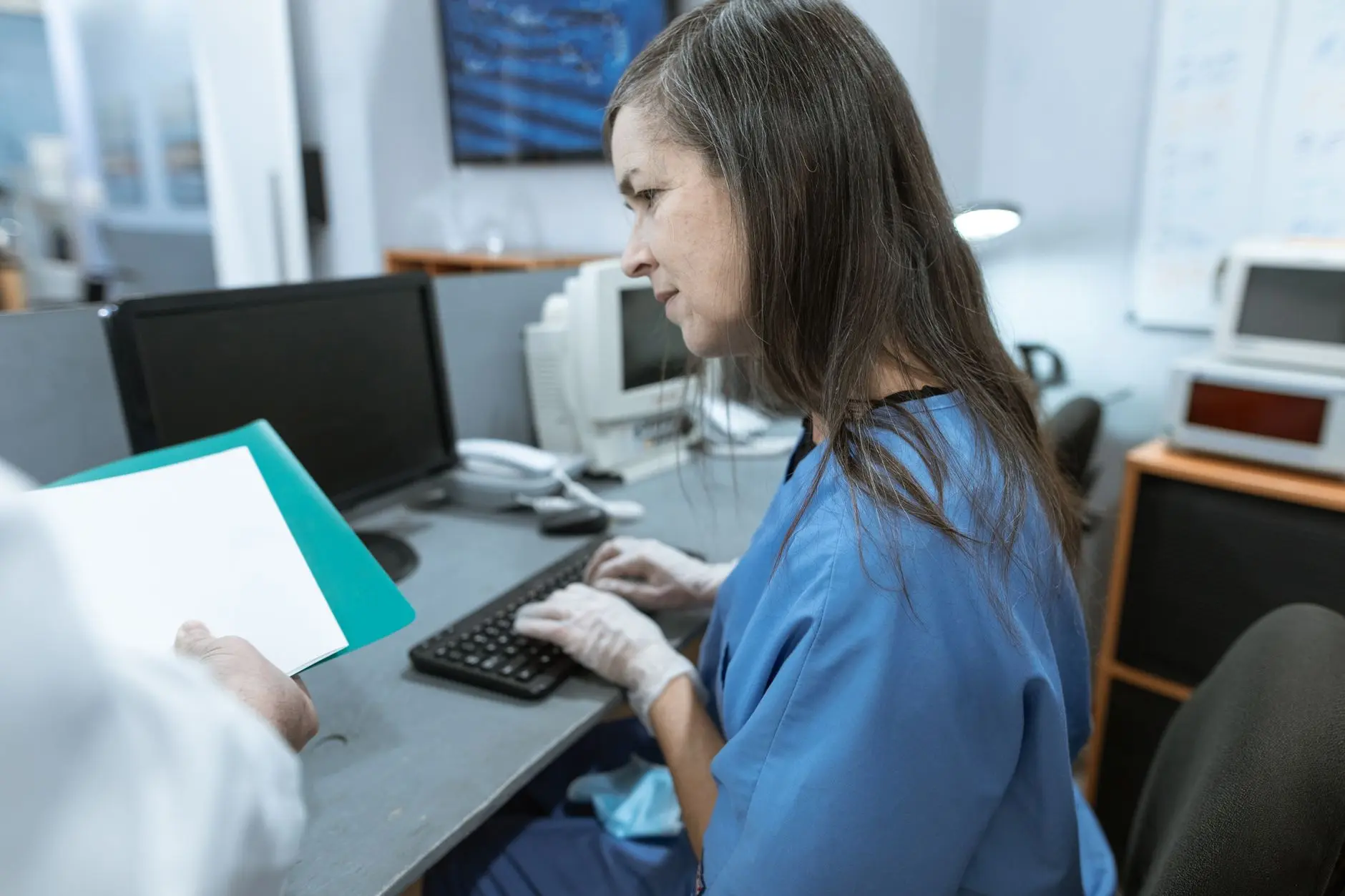
Patient care depends on access to records, schedules and test results. We look after the infrastructure and data protection behind that work.

When a system slows down, service queues grow. We support infrastructure, users and IT modernization for public bodies.

Customer data and service systems need care. We manage infrastructure, access and backups with ongoing team oversight.

From classroom Wi-Fi to office systems, daily work needs support. We can take over IT or work with the institution's team.

Disconnected tills and inaccessible inventory get in the way of sales. We look after networks, equipment and store support.

Plans and documents need to move between office and site. We support file access, networks and workplace infrastructure.

Bookings, reception and Wi-Fi depend on the same infrastructure. We look after that foundation and support your team in serving guests and customers.

Deadlines do not wait for a computer to start working again. We support users and look after office files, backups and equipment.

An inaccessible file can delay an important delivery. We manage networks, access and backups to support daily office work.
Frequently asked questions
Outsourcing or supporting your team: understand the options.
What our clients say
You don't have to take just our word for it.
Because of the nature of our work, our IT investments are limited, and we were looking for an IT solution with predictable operating costs. That is why we chose Skills IT as our Managed Services Provider. They give us high-quality, enterprise-grade solutions, all for a fixed cost.

José Carlos
The Skills IT team recently helped us with a successful migration to a new cloud platform. They ensured a smooth, stress-free transition, efficiently closing the gaps we ran into as they appeared. The team was organized and well managed, made up of dedicated and responsible IT professionals.

Cláudio Ferreira
Before, every IT problem turned into a different bill at the end of the month. With the managed services contract, we know exactly what we will pay and support is already included. The technology budget stopped being a surprise.
Marcos Andrade
When the front desk system went down on a Monday morning, the ticket was picked up within minutes and solved remotely before the first patient arrived. That kind of response is what makes a difference in a clinic.
Renata Lopes
Moving our server and email to the cloud happened over a weekend, with no data loss and without stopping the office. On Monday the team logged in and everything was in place.
Eduardo Martins
Next step
Tell us what you want to take on, share or change in IT. You do not need to know every technical term or bring a prepared inventory.
Get in touch
Message us on WhatsApp (63) 3224-4925, email contato@skillsit.com.br or fill in the form with your company's scenario.