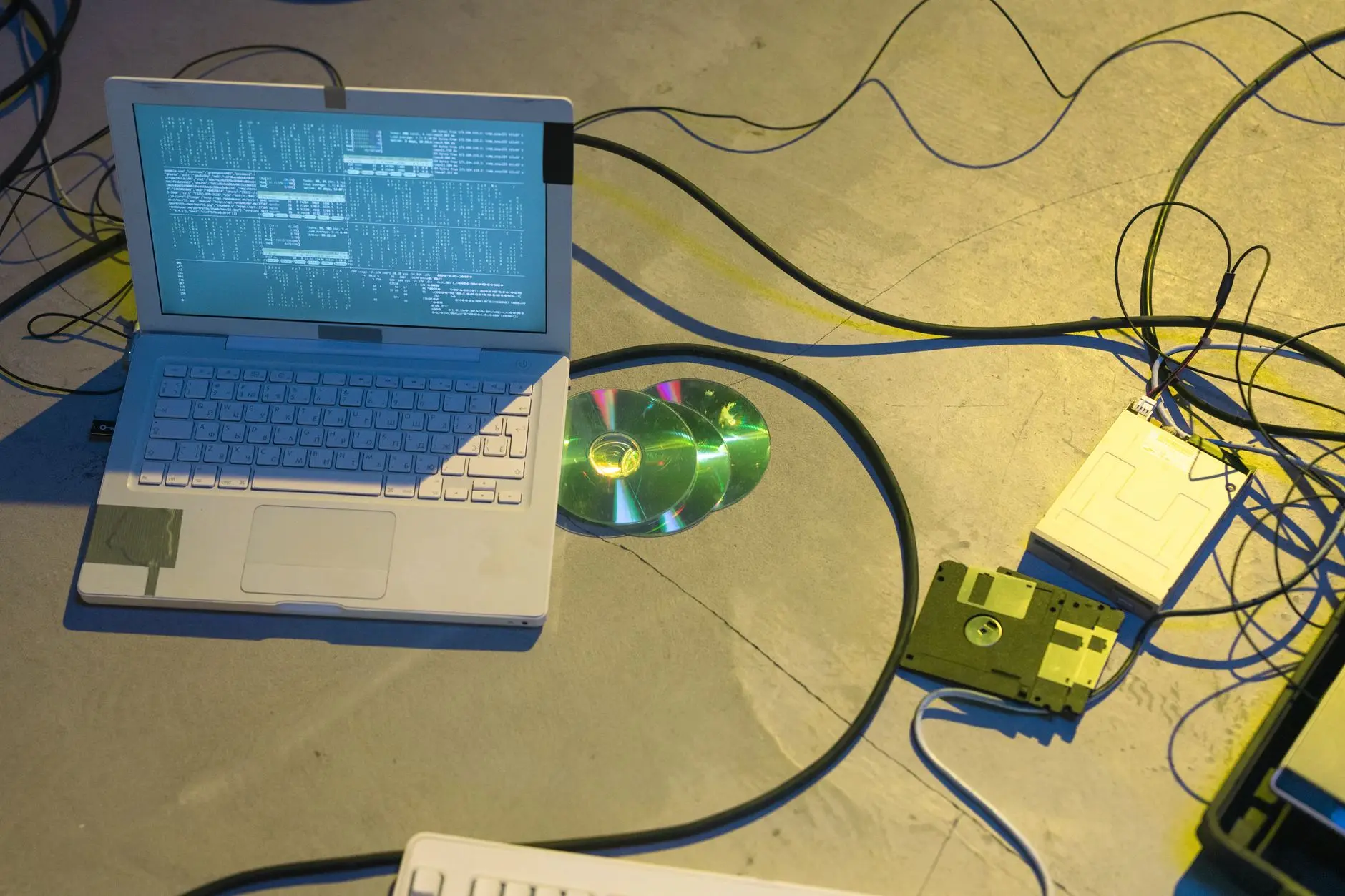
The most repeated rule in backup fits in one sentence and is nearly two decades old: three copies of the data, kept on two different types of media, with at least one of them out of the network's reach. Brazil's CERT.br, the country's security incident response group, recommends exactly this in its Internet Security Handbook — keep backups disconnected from equipment, not just copied.
There's a practical reason this step isn't optional. According to the 2025 Ransomware Trends Report, from Veeam, which surveyed 1,300 organizations worldwide, 89% reported that attackers went after their backups during the attack — not just the production files. And only 32% of those organizations used any kind of copy that can't be deleted or overwritten once it's written. Nearly nine out of ten attacks go after the backup; only about a third of companies had a copy that attack couldn't touch.
For whoever approves the budget, that changes the question worth asking. It's no longer just "does the company have backup?" — most already answer yes to that. It's "if the server gets hijacked today, is there a copy that same attack can't reach?" As long as the answer is "I don't know," the company is protected against the wrong problem.
The blind spot in backup's best-known rule
"Two different media types" doesn't mean two disks. An internal hard drive and an external one are the same media type: if one takes a power surge, a fall, or a virus, the other faces the same risk. Different media means, for example, a local disk on one side and a cloud service on the other — or a disk and a storage system that won't accept being overwritten.
"Out of reach" is the part most people get wrong. It doesn't just mean "in another building" or "on a thumb drive in a drawer at home." It means the infected computer or server can't reach that copy — either because it isn't connected to it at the moment of the attack, or because, even if connected, it can't be deleted or overwritten afterward.
That blind spot shows up in recovery numbers. According to the State of Ransomware 2025 report, from Sophos, which surveyed 3,400 companies hit by data-hijacking attacks across 17 countries between January and March of 2025, only 54% of them managed to use backup to restore their files — the lowest share in six years of research. The copy existed. It just stayed within reach of the attacker, the same way it stayed within reach of whoever needed it back.
That changes what "having backup" needs to mean for a small or mid-sized company. It's not enough for the process to run error-free every day. Among the copies, at least one needs to be something the same attack that hijacked the server has no way of touching.
Why the drive next to the server isn't a second copy
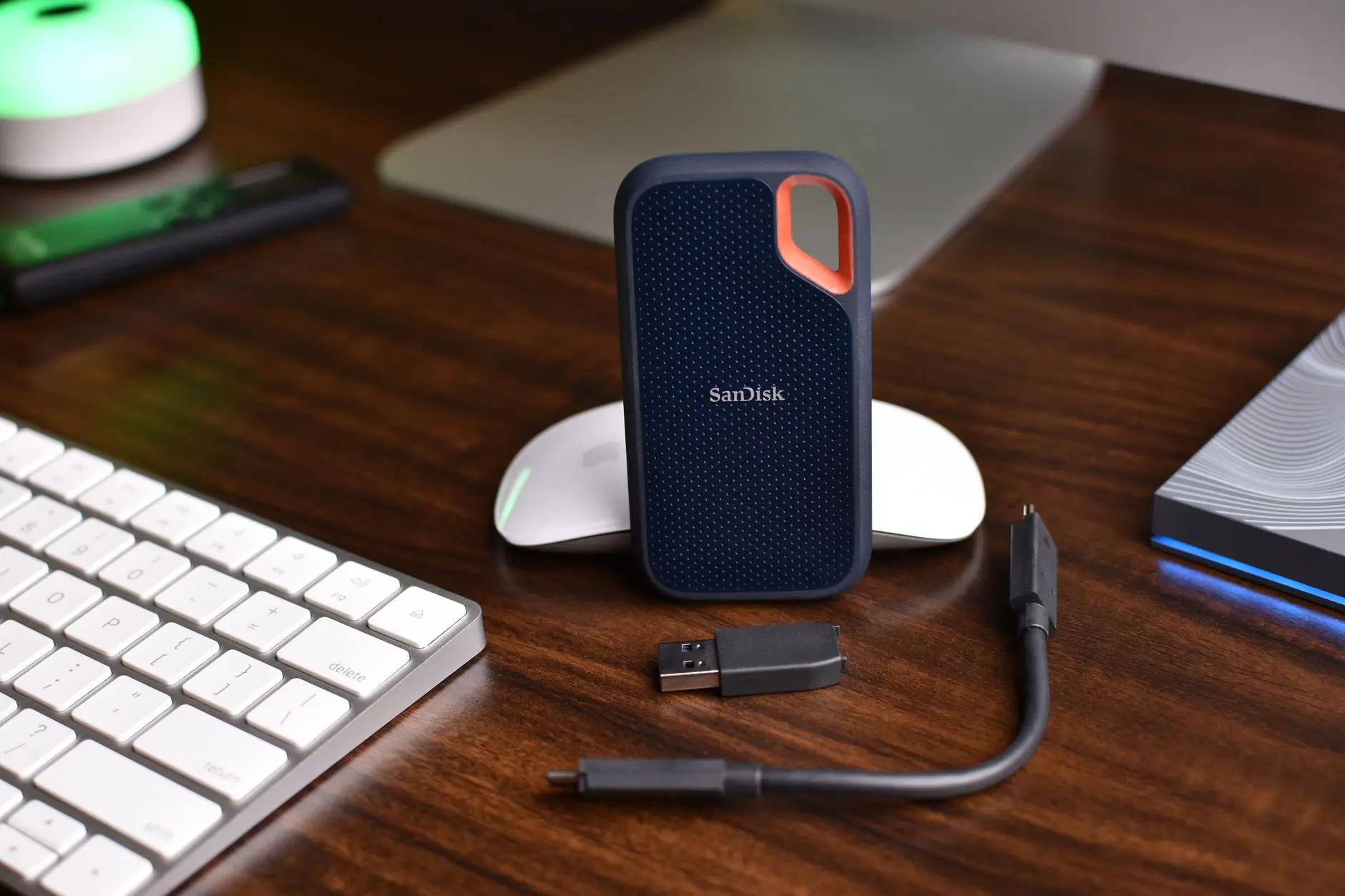
The common setup, in a company that never stopped to think about it, looks like this: an external hard drive, plugged in all the time to the same machine or server it's supposed to protect, often in the same room. Sometimes it's a network folder, visible to any connected computer, with no password of its own.
From the standpoint of a fire, a theft, or a power outage, that's already fragile: whatever hits the server hits the drive next to it. But the problem gets worse with today's most common kind of attack. A program that hijacks data, once it breaks into the server, sees any folder or drive reachable from there — a connected thumb drive, a mapped network folder, an external drive that's always plugged in — and tries to scramble or delete everything it can reach, backup included. CERT.br is direct about this: keep backups disconnected from equipment, and turn off file sharing when it isn't needed.
It's the scene behind the most common concern that comes up once the topic reaches a meeting: the backup sits right there, plugged into the same server, in the same room. If there's a fire, if the equipment gets stolen, or if the server gets hijacked, the copy goes with it — and nobody had stopped to think about that before.
That external drive plugged in next to the server isn't really a second copy. It's the same exposure, with one extra cable.
What has to be in place
A backup strategy that survives a bad day is defined by where and how the copies are kept, not by how often they run.
A copy the infected computer cannot reach. Not over the network, not through login. It can be a separate cloud service, removable media stored off the premises, or a system that requires a second authorization to be accessed.
A copy that won't accept being deleted or overwritten. That's what the manufacturer calls immutability: once written, that version stays untouchable for a set period, even from whoever administers the system.
Two different media types holding the same information. Local disk and cloud, for example — never two disks of the same type, in the same room, plugged into the same power outlet.
A separate login to access the backup copy, different from the login used for everyday network access. If the network password gets stolen, it doesn't automatically open the door to the backup.
A predictable cost for keeping the copies, with an estimate before any increase in volume — so growing data doesn't turn into a surprise on the invoice.
This is how Skills IT works: automated backups, local and/or in the cloud, encrypted, kept out of the reach of anyone trying to delete them.
What changes for the company once the copy is truly out of reach
An attack-proof copy changes the tensest moment of any negotiation with whoever hijacked the data: when there's a guarantee the files can come back without depending on a ransom, the company stops negotiating under pressure. Paying or not stops being the only way out and becomes a choice between alternatives.
There's also an effect on downtime. A company that already knows, ahead of time, where it will pull the files back from loses less time deciding what to do in the middle of a crisis — the time goes into restoring, not into finding out whether anything is restorable. Every hour a system stays down costs unbilled orders, staff waiting around, and customers with no answer; shortening that hour is worth more than any discount the cheapest drive seems to offer.
And there's an effect on whoever makes the decision. The owner or director who knows exactly where each copy of the company's data is kept — and that at least one of them wouldn't be hit by whatever hit the server — has a concrete answer when a client, a bank, or an insurer asks about continuity. Whoever only knows that "the backup runs every day" has a nice-sounding line, not a guarantee.
A roadmap to get started
Before the next continuity meeting, this roadmap helps put the topic in the right place.
- Ask where each backup copy is physically kept. If the answer is "on the same server" or "in the same room," there's still only one copy, with an extra copy's name attached.
- Find out if any copy stays permanently connected to the network. An external drive that's always plugged in and a mapped network folder both count as connected, even if they seem "separate" from the server.
- Ask if any copy cannot be deleted, not even by whoever administers the system. If the answer is "anyone with admin access can wipe all of it," that protection doesn't exist yet.
- Confirm the login used to access the backup is different from the network login. A password reused between the two systems cancels out much of the protection of being "out of reach."
- Put on the calendar when the backup strategy was last reviewed. Data grows, and the drive that was enough two years ago may no longer fit today's copy.