A server doesn't crash out of nowhere. Before the screen freezes or the system goes down, there is almost always a sequence of signs that were already there — no one was just watching them.
Backblaze, the US company that runs its own cloud storage data centers, publishes an annual report on the health of the hard drives in its fleet. In the most recent one, the annual failure rate dropped to 1.36% in 2025, down from 1.55% in 2024, based on 344,196 drives across 30 models.
The more telling number isn't that rate — it's what Backblaze found when it cross-checked its own fleet history against the self-monitoring system drives ship with from the factory (the industry shorthand is SMART). Within the company's own operation, 76.7% of the drives that eventually failed had at least one of five warning indicators above zero before the failure. Among drives that stayed healthy, only 4.2% showed the same warning.
That matters for any business that depends on a server, even one nowhere near the size of Backblaze's data centers. The underlying principle is the same: equipment almost always warns before it stops working. What decides whether a company catches the warning or only the outage is a simple question — was anyone watching?
The signs almost no one tracks
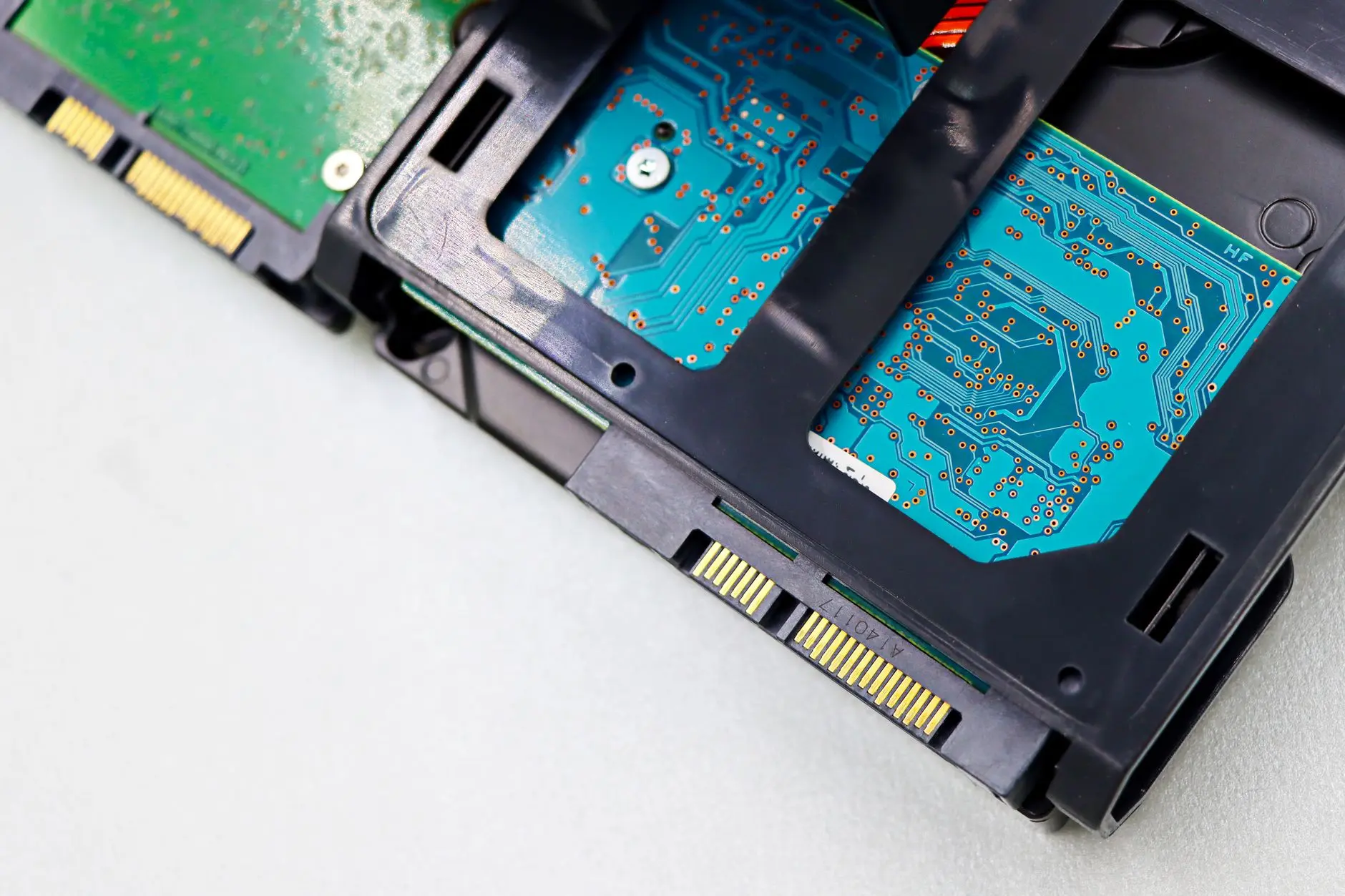
The disk is the most studied case, but it's far from the only piece of equipment that gives advance notice. Before failing outright, a drive typically accumulates read errors, sectors that need reallocating, and commands that take longer to respond — all measurable by the device itself, with no need to open the case.
Temperature is another direct signal. A server or a battery backup unit that keeps running hotter, with no change in workload, is losing cooling efficiency before it shuts itself down for safety — or simply stops responding.
Storage space is the most obvious signal and the most ignored one. A server that has been filling up month after month will, on some ordinary day, stop being able to write a backup, an email, or a database record. That's not an accident — it's arithmetic that could have been predicted weeks in advance.
Power and memory round out the list. Frequent power dips, voltage spikes, and a battery backup unit that occasionally restarts on its own are the rehearsal for a bigger outage. Memory errors that show up in the system log, even isolated ones at first, tend to repeat and worsen before the equipment finally locks up.
None of these signs require expensive equipment to see. Most servers, drives, and battery backup units already ship with their own sensors and logs — what's usually missing isn't the data, it's someone checking the dashboard regularly and knowing what that number normally reads.
That combination — a factory sensor plus a routine of reading it — is what separates a company that sees a storage drive approaching its limit from one that only finds out when the system refuses to save a file. The equipment did its part by logging the data; the routine of watching it is what's missing on the side of whoever runs the IT.
Why reacting only costs more
The most common way small and mid-sized businesses handle IT is still reactive: call someone once it has already broken. While the equipment works, no one tracks the indicators — and that's exactly the window in which the warning appears and gets lost.
Another common habit is trusting a backup no one has tested. The copy exists, but no one knows whether it truly restores the whole system when needed — and the worst possible moment to find that out is during the outage itself.
Then there's the company that leaves IT to whoever "understands computers," with no time or tool to track any metric. And the one that buys yet another device or monitoring tool but has no one looking at the dashboard every day.
The outcome is similar in all four cases: the signal existed, got logged somewhere, and no one saw it before the outage turned into an urgent ticket, overtime hours, and a customer waiting for an answer.
The cost of that wait doesn't only show up on the repair bill. It shows up in the order that doesn't go out because the sales system is down, in the employee waiting for email to come back, and in the rework of rebuilding what wasn't saved in time. Compared to that, continuous monitoring is the cheap side of the equation.
What has to be in place
An IT environment that catches the signal before the outage rests on concrete mechanisms, not luck.
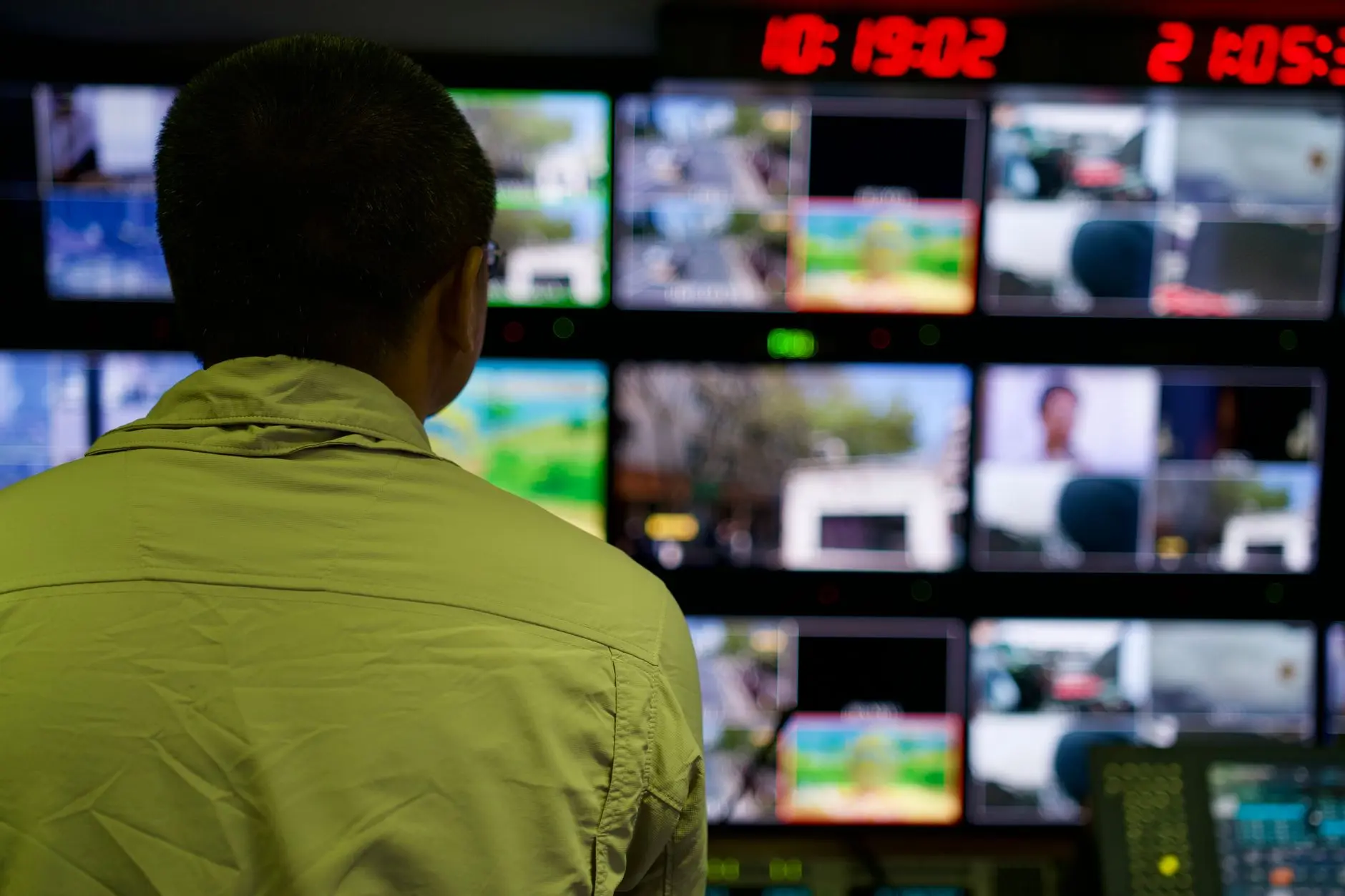
Someone tracking the network and the equipment every day, not only when a user calls to complain. An alert is worth nothing if it sits logged on a dashboard no one opens.
An up-to-date inventory of the equipment fleet — age, model, and maintenance history for every server, battery backup unit, and drive. An eight-year-old part doesn't deserve the same response window as a new one.
An alert that reaches a responsible person, not just a system: an email, a message, or a ticket opened automatically once an indicator crosses its normal threshold.
A repeated alert turning into a permanent fix — when the same alert repeats across similar equipment, the fix becomes preventive action instead of a part swapped without understanding why.
A backup tested with periodic recovery drills, because not every signal arrives in time, and the backup plan needs to work even when the warning fails.
Planned replacement, with budget agreed on before the urgency hits — swapping an end-of-life part costs less in a scheduled maintenance window than replacing the same equipment during an emergency, with the company at a standstill.
This is how Skills IT works: monitoring the network and the equipment before the outage, a repeated alert turning into a permanent fix, and part replacement with an agreed estimate before the purchase.
The gain is operational before it's financial
The most direct gain from tracking the signal before the outage is less downtime — and downtime, in a small or mid-sized business, almost always means an order that doesn't go out, an employee waiting for the system to come back, or a customer calling to ask what happened.
There's also the gain of predictable budgeting. Replacing a drive or a battery backup unit during scheduled maintenance costs less, in time and in money, than swapping the same equipment during an emergency, with the vendor charging a rush fee and the company with no alternative.
It's worth noting the scale of the problem in professional environments: according to Uptime Institute, which pools data from data center operators and a database of publicly reported outages, power was the cause of 45% of impactful incidents in 2025, most often tied to a battery backup unit issue, per CoreSite's analysis of the report. Those are professionally run data centers, far larger than a mid-sized company's server room — but the underlying mechanism is the same: most outages start with a physical component that had already been signaling trouble.
And there's the less-discussed gain: informed decisions. When every piece of equipment's history is logged, whoever decides knows what to replace first, instead of reacting to whatever broke last.
A starting checklist
List the company's critical equipment. Server, battery backup unit, storage, internet link — each with its age and maintenance history, even if it's just a simple spreadsheet.
Find out who, today, looks at the alert when it shows up. If the answer is "no one" or "only when someone remembers," the problem isn't the equipment — it's the missing routine.
Ask for the record of the last tested backup. Not whether the backup exists — the restore test, with a date and a logged result.
Ask how long the company would be down if the main server failed tomorrow, and who would be notified first.
Agree, in writing, on a replacement budget for the oldest equipment — before urgency sets the price for the company.